How it listens
Speech goes through Silero voice detection, then Whisper on Groq, Deepgram or faster-whisper on the local GPU, depending on what's available. Requests are routed across nine model providers, with Stokes tracking each model's health and learning its rate limits from the API's own responses.
Safe tool use
- The model can't raise its own permissions, and risky tools ask for approval every time
- The shell only runs allow-listed programs
- Web fetches are guarded against server-side request forgery
- Outside content is marked untrusted to blunt prompt injection
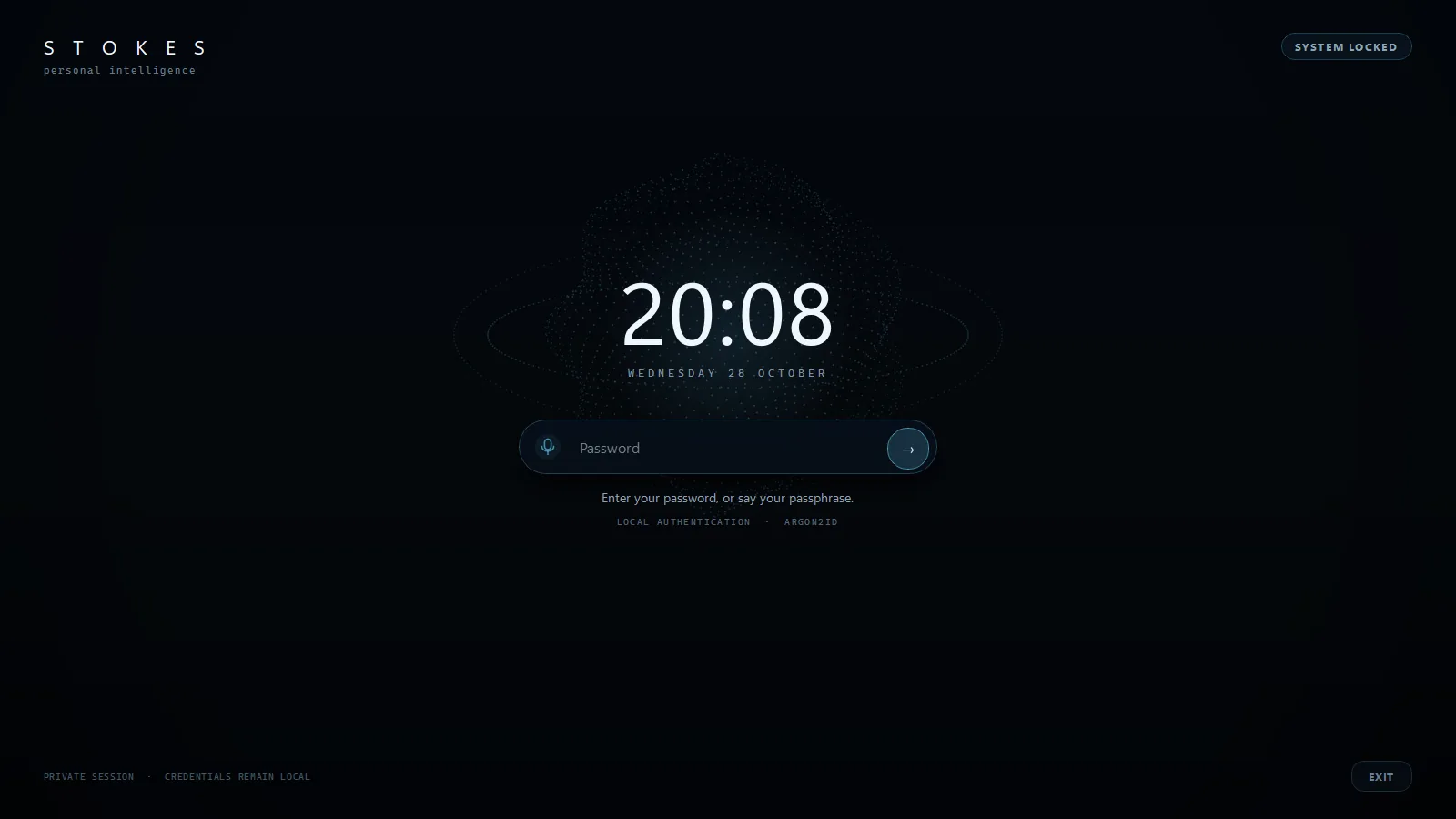
- The lock screen takes a password or a spoken passphrase, stored only as an Argon2id hash
Fast because it's picky
Instead of handing the model all 180+ tools, Stokes gives it only the 2 to 9 each request needs. That cut a five-question test run from 144.6 seconds to 7.6, cut prompt tokens by 79%, and made tool choice more accurate at the same time.
Memory and build
Long-term memory runs on SQLite full-text search with local embeddings, and a small Cloudflare Worker powers a phone companion app. Stokes was built with Claude Code agents working in parallel from specs Parker wrote, with eval and benchmark scripts checking every change.